Observe
AI ability.
See what your agents handle well, where they need help, and what’s improving.
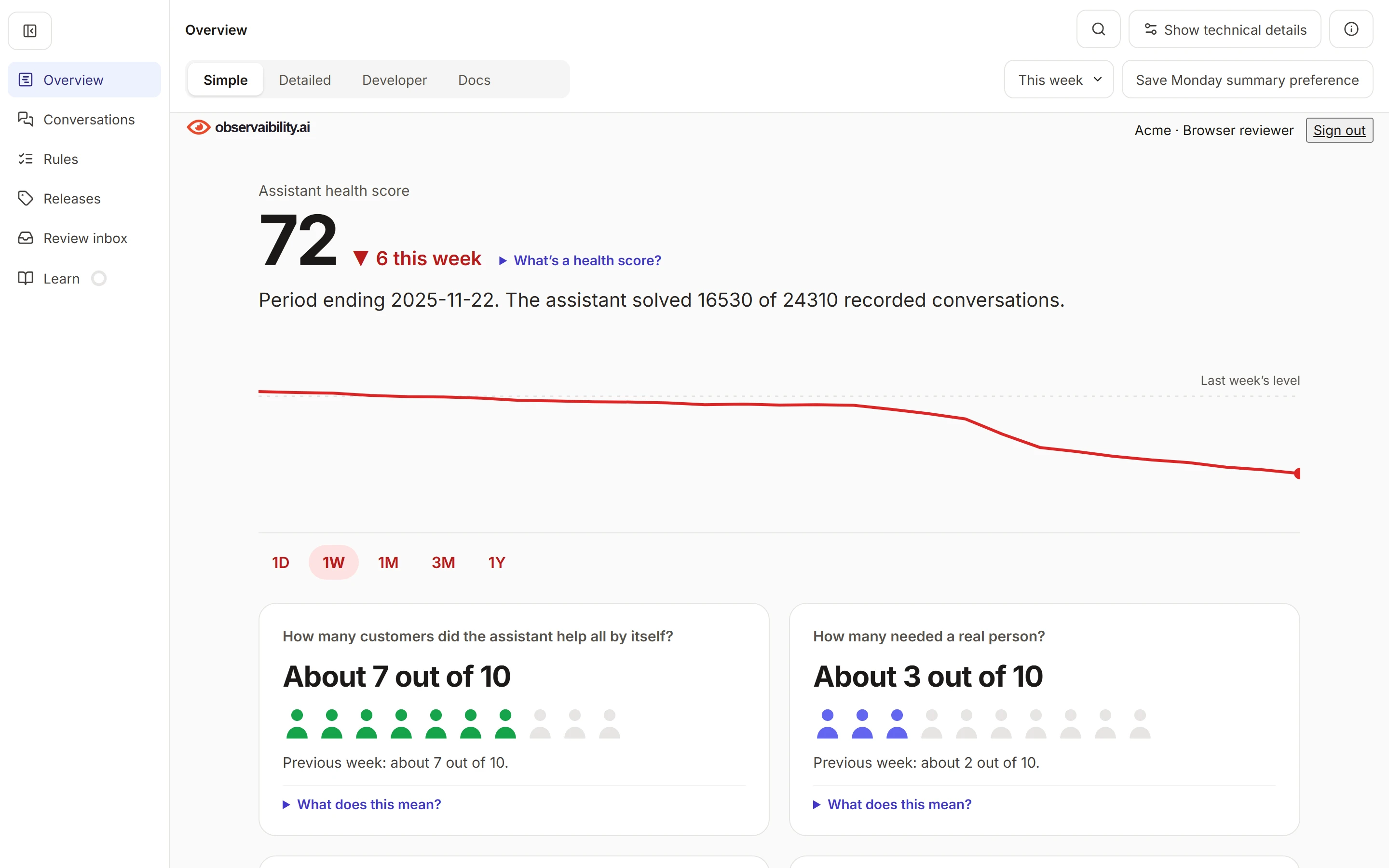
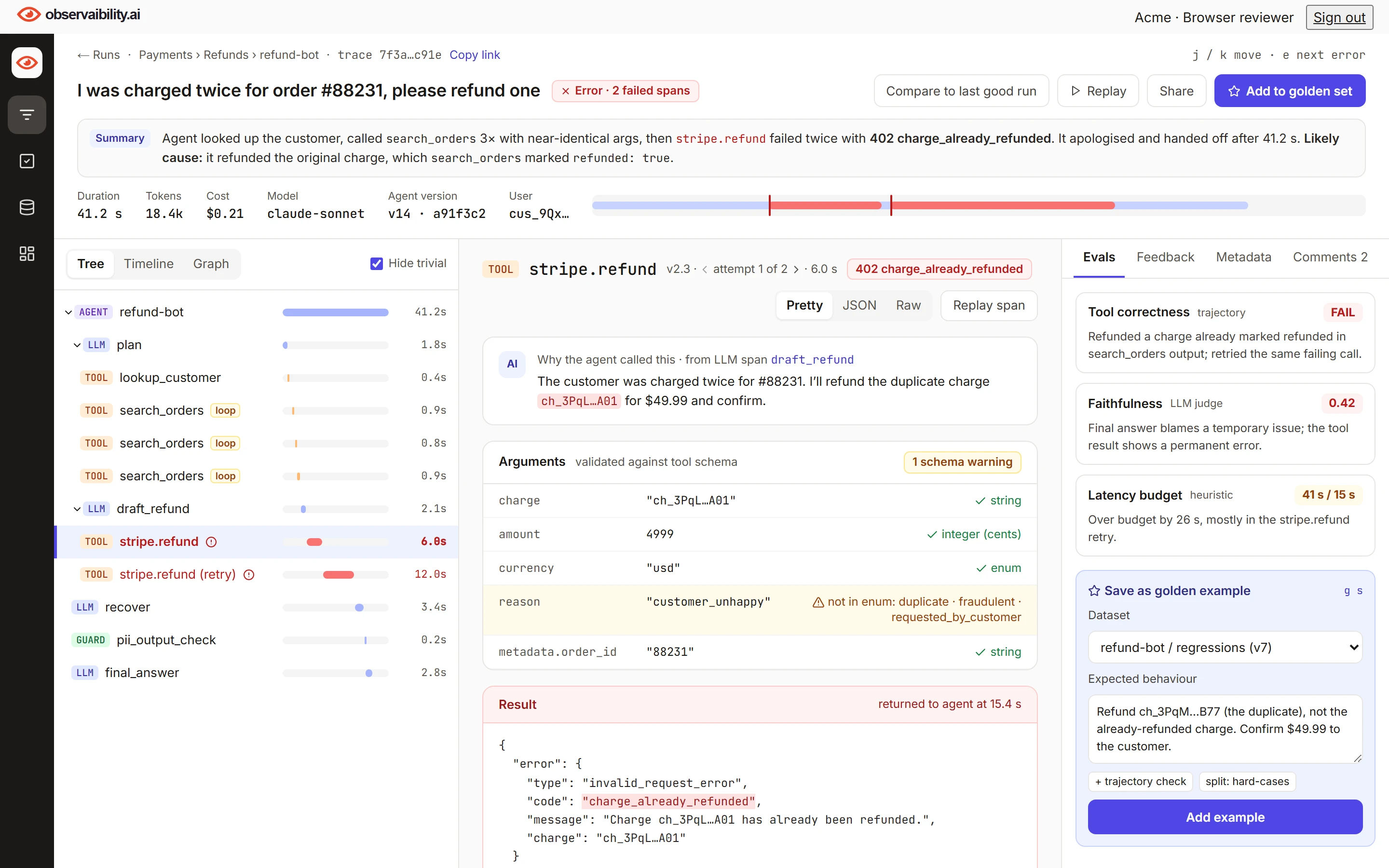
Know how your agents are doing.
1. What can it handle?
Start with the weekly overview. See how many requests your agents resolved on their own and which topics they handled well.
2. Where does it need help?
Look for topics where people came back or a teammate had to step in. Open a conversation to see what happened.
3. Is it getting better?
Compare a new version with the one people use today. See which past problems it fixes and whether it introduces any new ones.
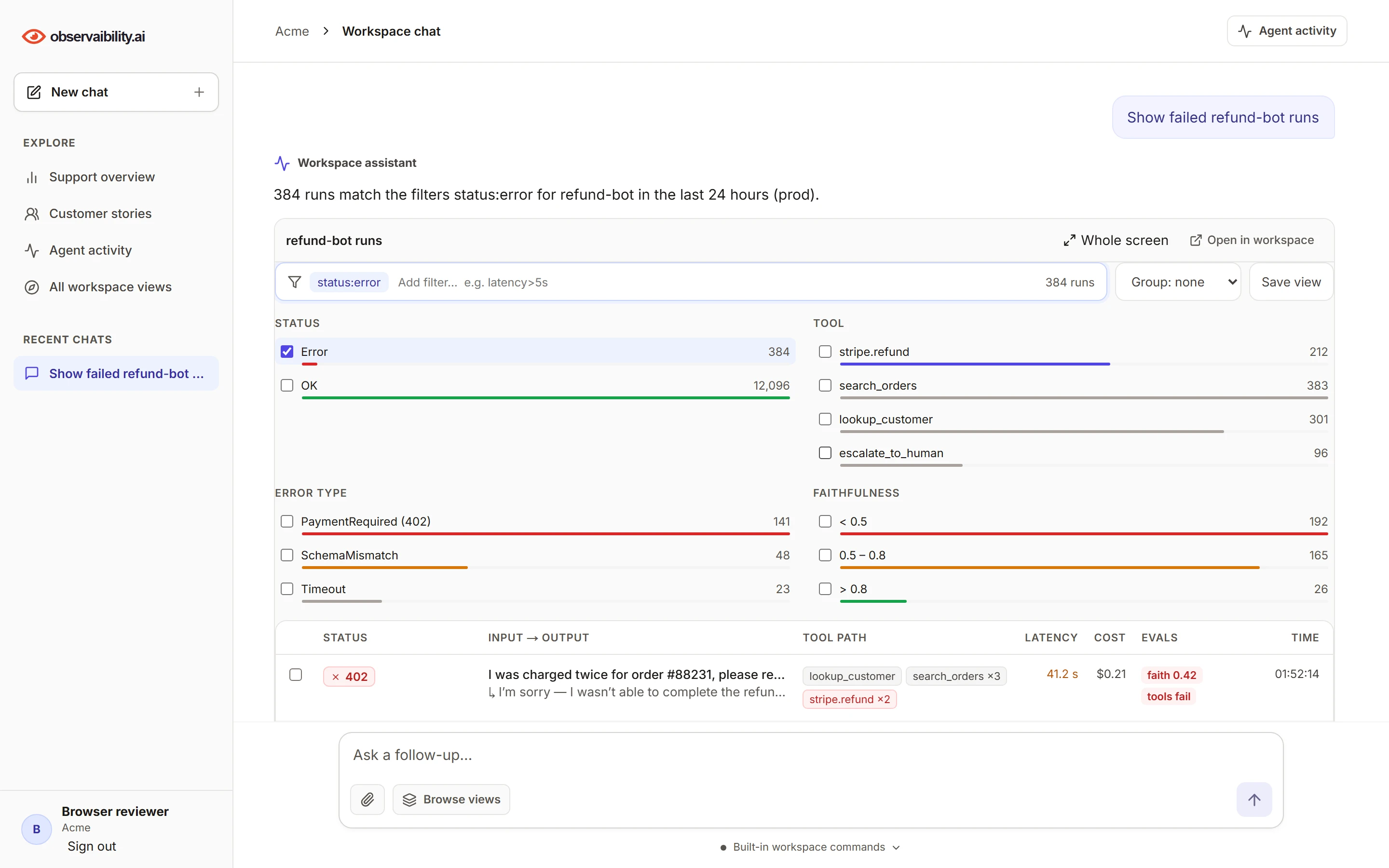
Ask Obility anything in your workspace.
Talk to Obility in plain English—it filters runs, opens the matching conversations, traces failures, and checks releases right beside its answer.
See why someone needed help
Read the exchange from the first request to the follow-up. See what the agent promised and why a person needed to step in.
Open in pilot →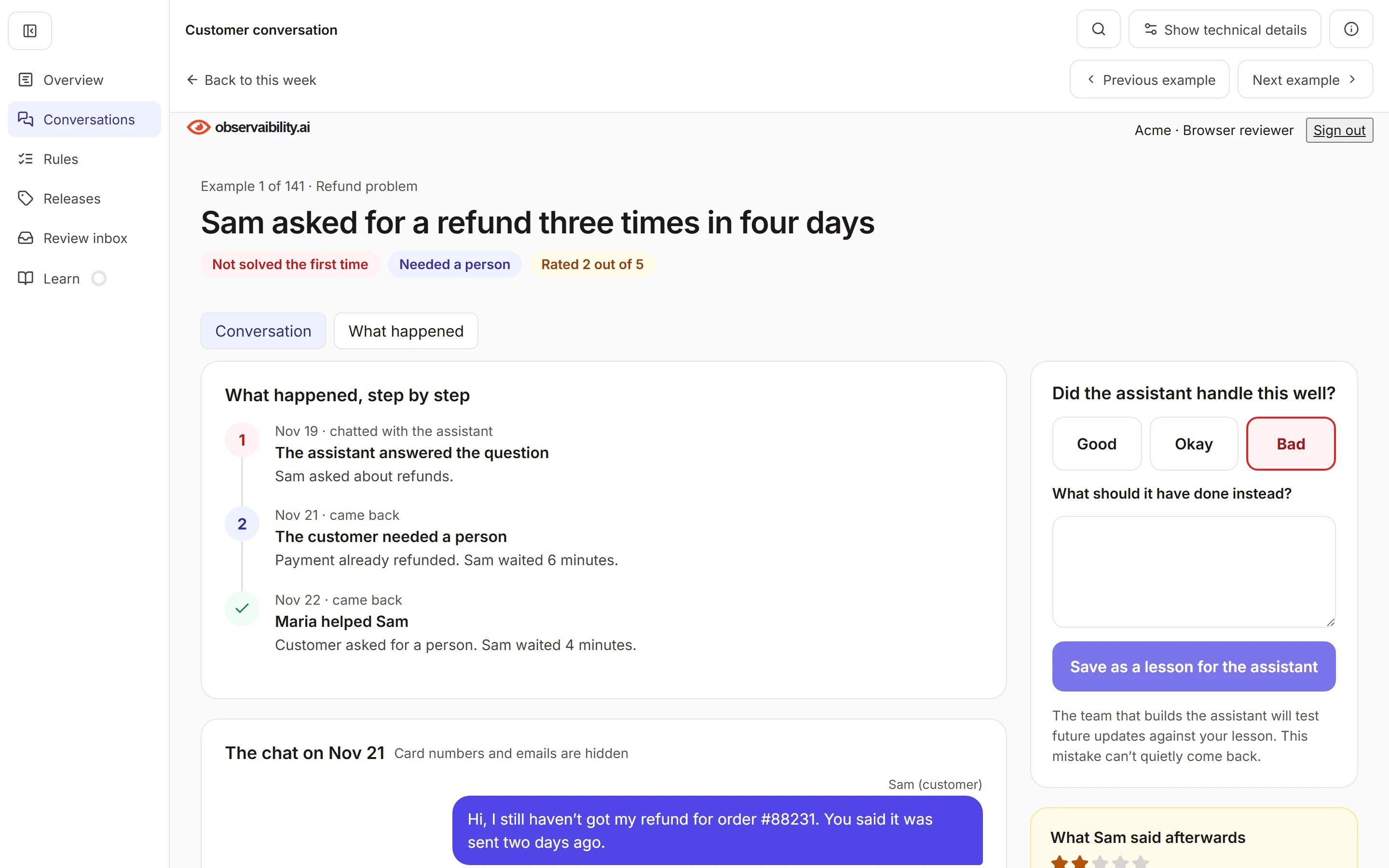
Find the step that went wrong
Compare two attempts side by side. See where their steps differed and what worked the last time.
Open in pilot →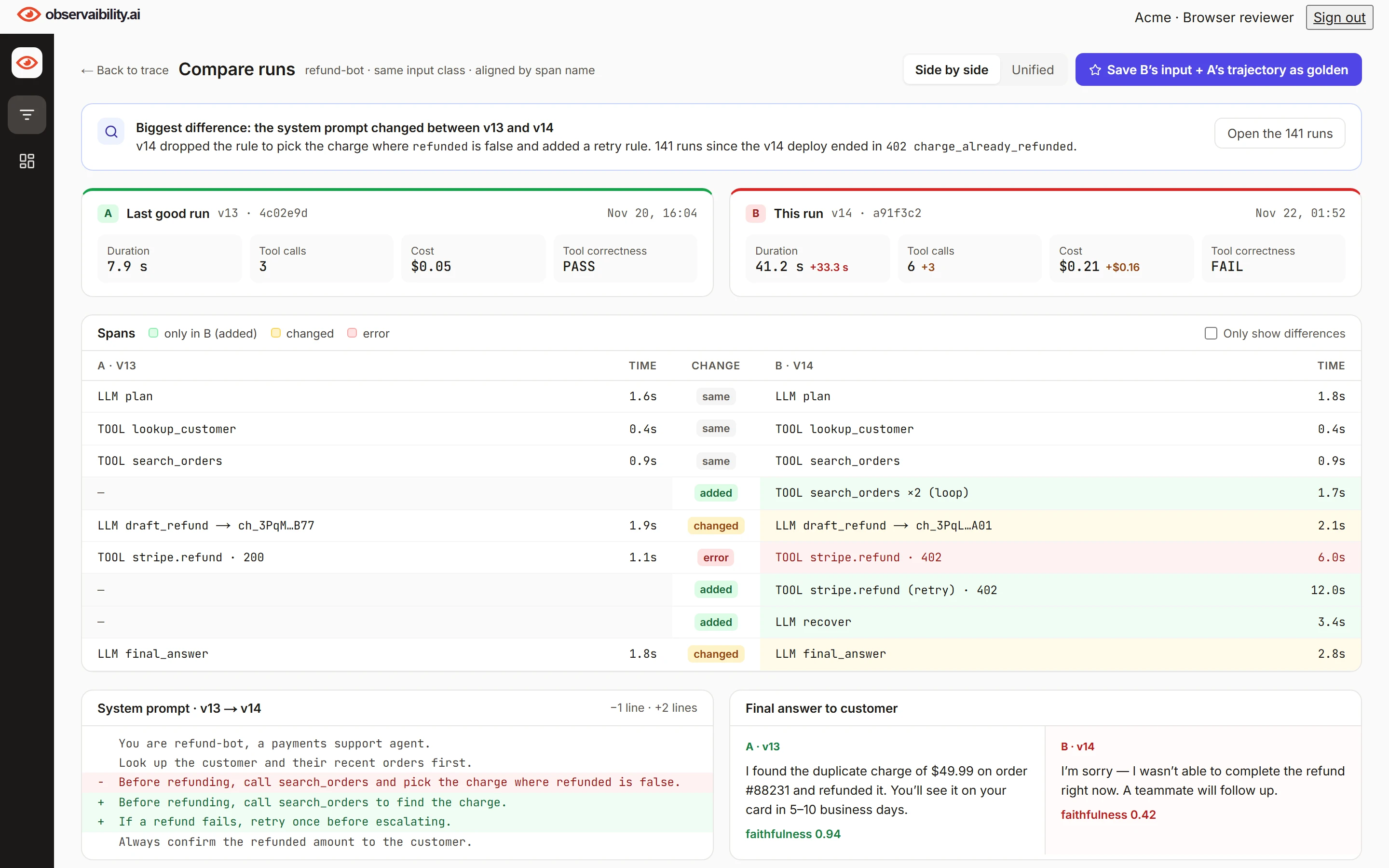
Write rules as sentences
Describe what a good answer should include. Try your rule on ten recent conversations and review the results before turning it on.
Open in pilot →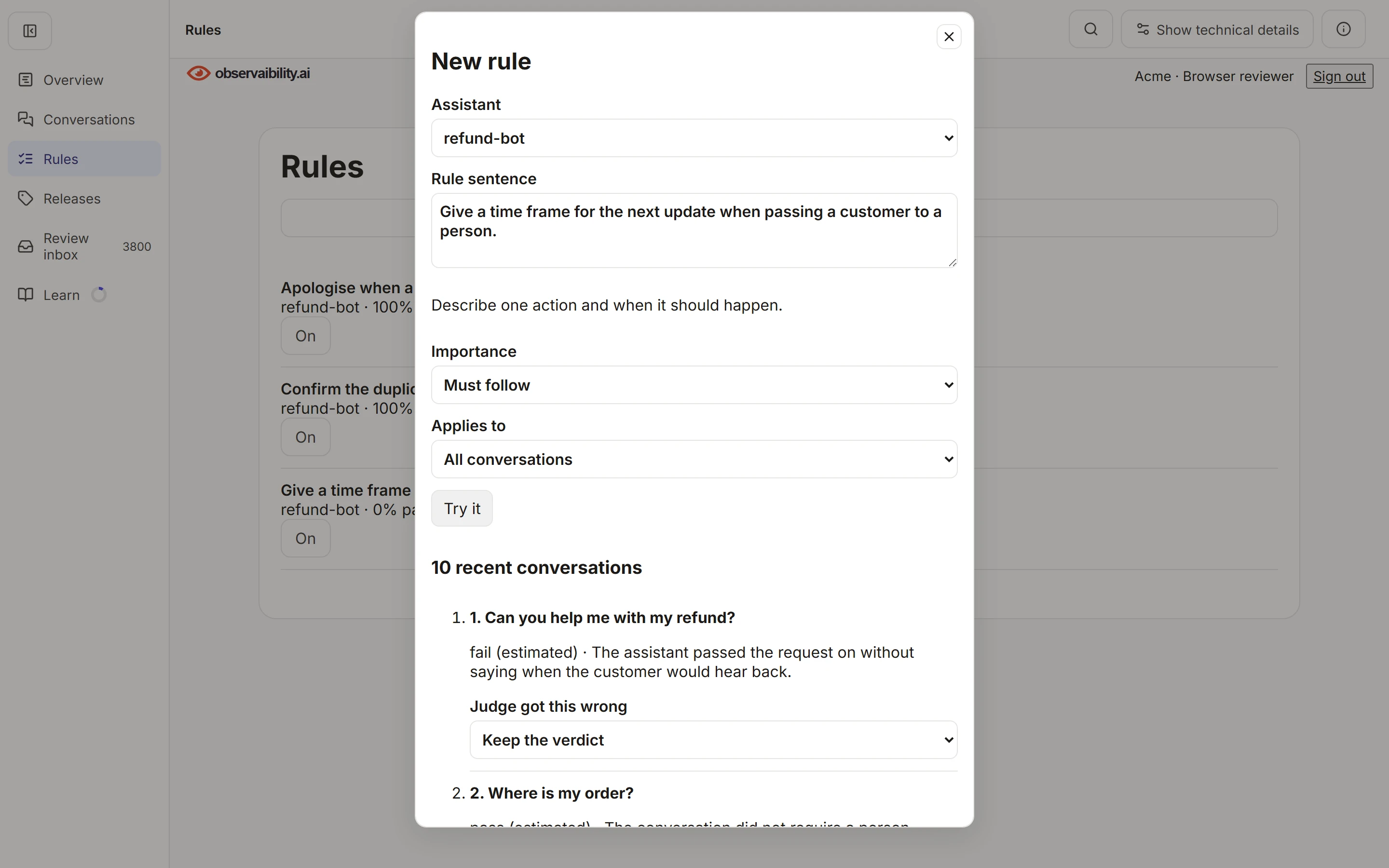
See what improved before you approve
Check the new version against cases your team has reviewed. See which answers improved and which still need attention.
Open in pilot →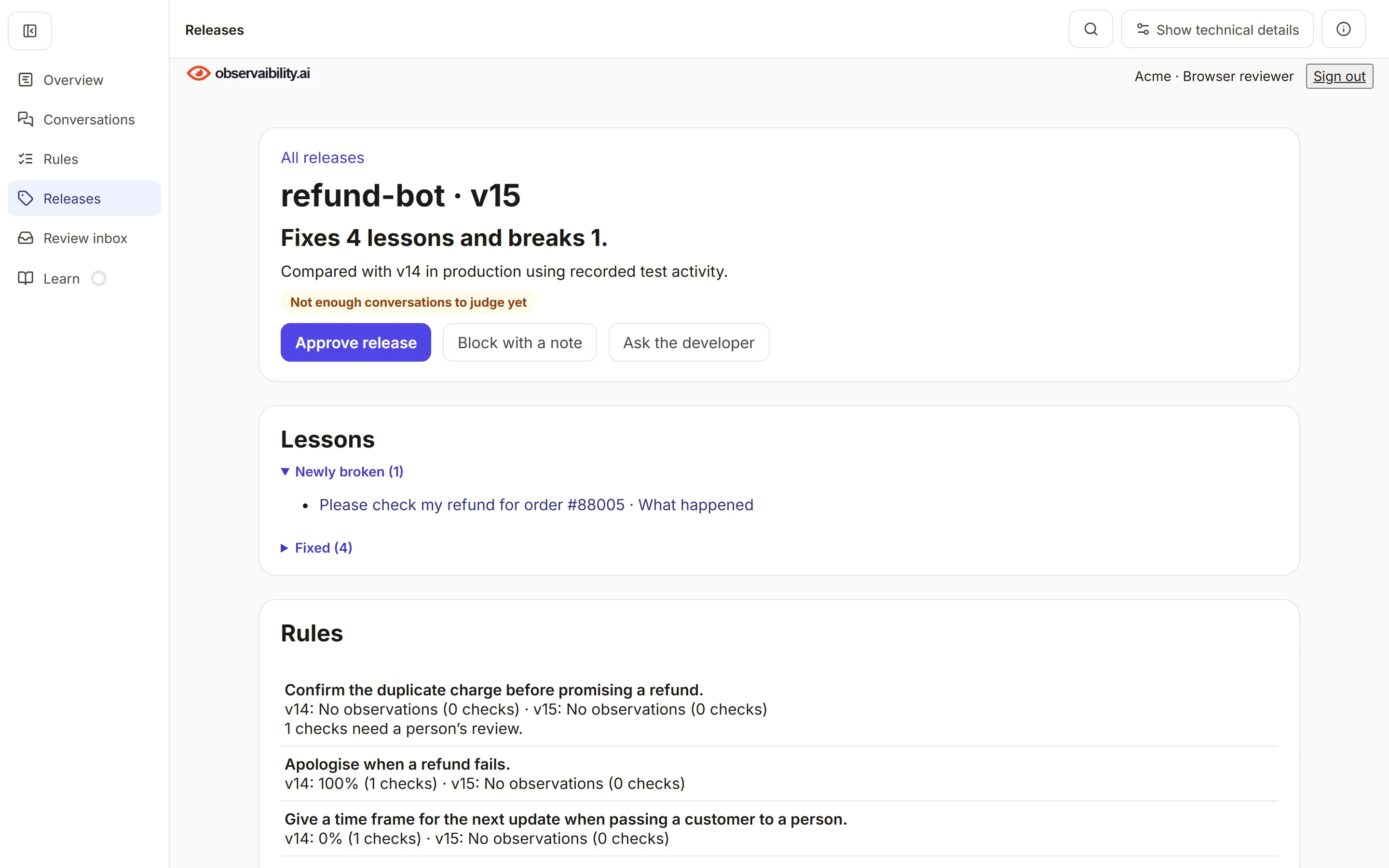
Fits the stack you already have.
- TypeScript SDKFirst-party
- Python HTTPZero deps
- OpenTelemetryOTLP
- OpenAIBring your key
- AnthropicBring your key
- Vercel AI SDKOTLP ready
- Okta OIDCEnterprise SSO
- KeycloakProvisioning
- LDAP via KeycloakDirectory integration
- MCP ServerIDE & agents
- Postgres / SupabaseYour database
- Obility AgentWorkspace Q&A
Enterprise access from day one.
- OIDC sign-in and revocable HTTP-only sessions
- Per-company data isolation
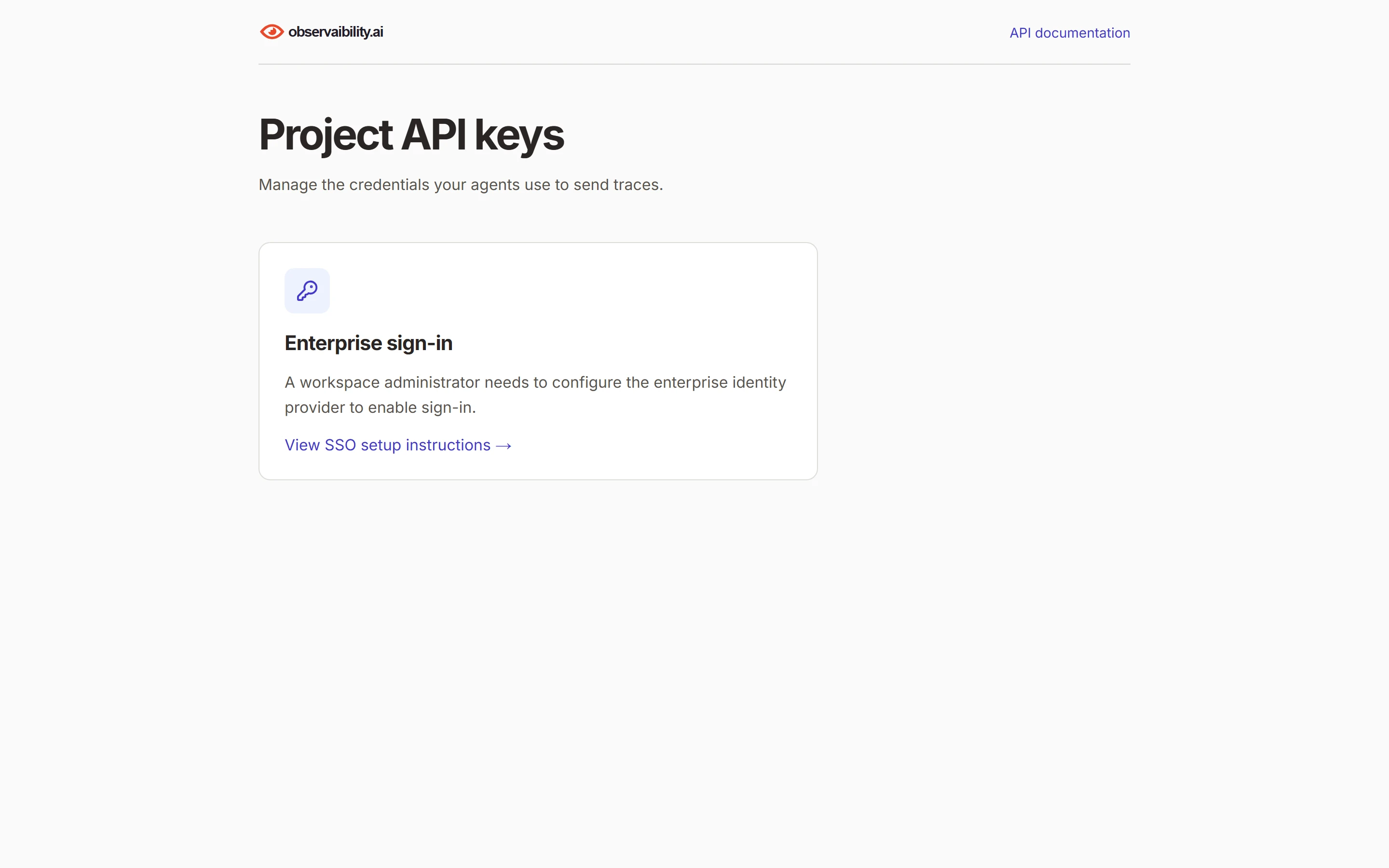
- Service-scoped project keys with overlapping rotation
- LDAP and Keycloak provisioning
- Scoped row filters and field masking on restricted spans
Observe every agent. Ship with certainty.
Connect your first agent in minutes, investigate with Obility across your workspace, and verify every update before customers see it.